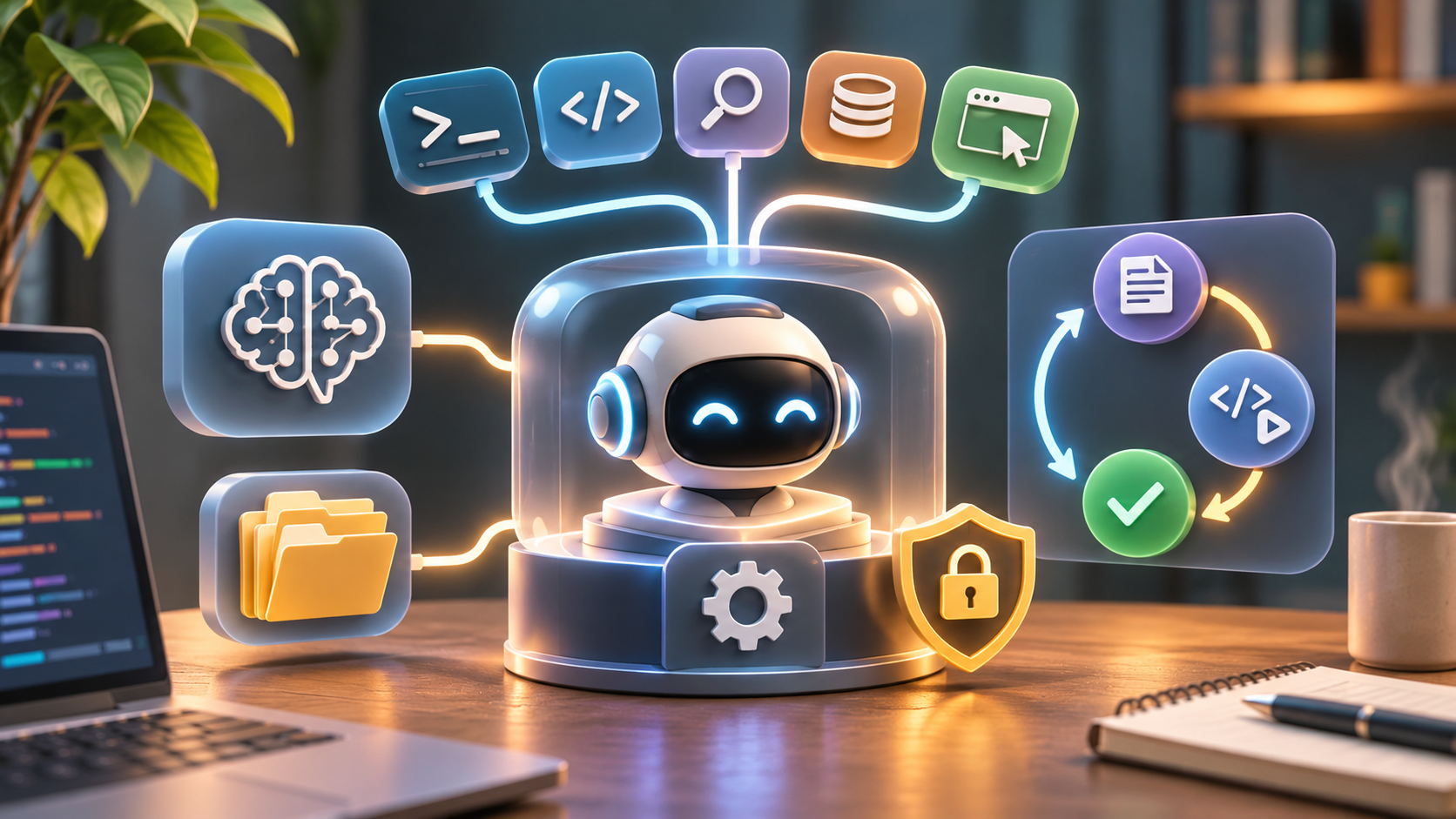
In brief · TL;DR: An agent harness is the software around a language model that turns it into a tool-using worker. It supplies context, runs an action loop, manages permissions and gives the agent feedback. Claude Code, Codex and OpenCode take different approaches. The model proposes actions; the surrounding system determines what can actually happen.
Advertisement
01 — The discovery
What changed, who it is for and why it matters.
Two people give an AI the same task: “Fix my website form.” One gets a code snippet to copy. The other watches a tool inspect files, locate a test, edit the component, run checks and report what changed. Why such different experiences if both use language models?
One reason is the software that sits between the model and the environment: an agent harness. Microsoft’s Agent Framework describes a harness as runtime scaffolding that turns a model into an agent. Martin Fowler’s harness engineering analysis distinguishes guidance and context from feedback systems such as tests and logs.
A harness is an architectural category, not necessarily a product you must buy. Five components explain most coding-agent experiences:
Model: interprets the task and chooses a next action.
Context: files, instructions such as AGENTS.md, task history and relevant references.
Tools: file search, reading, editing, shell, browser or external services.
Execution loop: calls a tool, receives its result and decides what to do next.
Permissions and verification: limit actions and provide evidence that work succeeded or failed.
Imagine a worker and a workshop. The model brings reasoning, but without access to a real project, equipment and inspection it can only suggest. The harness organises that workshop and specifies which machines require permission.
The loop behind an agent’s actions
A simplified execution flow looks like this:
Request → context → model → tool → result
                      ↑            |
                      └─ verify ←───┘
When a tool reports a missing file, the agent can search elsewhere. When a test fails, it can investigate and try another correction. When permissions block an action, the agent should request approval instead of finding an unauthorised workaround.
That is the difference between a long prompt and a work system. Telling a model to “be careful” is no substitute for runnable checks and execution limits. A harness can supply those checks, but does not guarantee correctness or make destructive commands safe by itself.
This means choosing a harness and choosing a model are not the same decision. The same model may operate differently depending on its available tools and policies.
An MCP server exposes tools or information using Model Context Protocol; it can extend a harness, but does not automatically supply the whole execution loop. A skill is a reusable instruction or capability, not the complete harness.
02 — The Solo verdict
Our straight take: is it worth your time?
For a newcomer building with AI, understanding harnesses is more useful than collecting hundreds of clever prompts. Ask whether the agent has the correct repository, appropriate permissions and a reliable way to check the outcome.
You do not need to build a harness to launch your first website. Ready-made agents are usually sufficient. The concept matters most when you are tempted to add many extensions or MCP servers without knowing the jobs they serve.
Advertisement
03 — The workbench: observe a read-only task
Use any configured coding agent in a practice project. The goal is understanding its process, not measuring model quality.
Ask:
“Explain the structure of this project and find its home page. List the tools you used, which files you read and what remains unknown. Do not install dependencies, modify files or run write commands.”
Inspect three things: context (was it in the right repository?), tools (did it search real files?) and evidence (are the reported paths and code excerpts real?). If the directory is empty, a useful agent should say that essential context is missing.