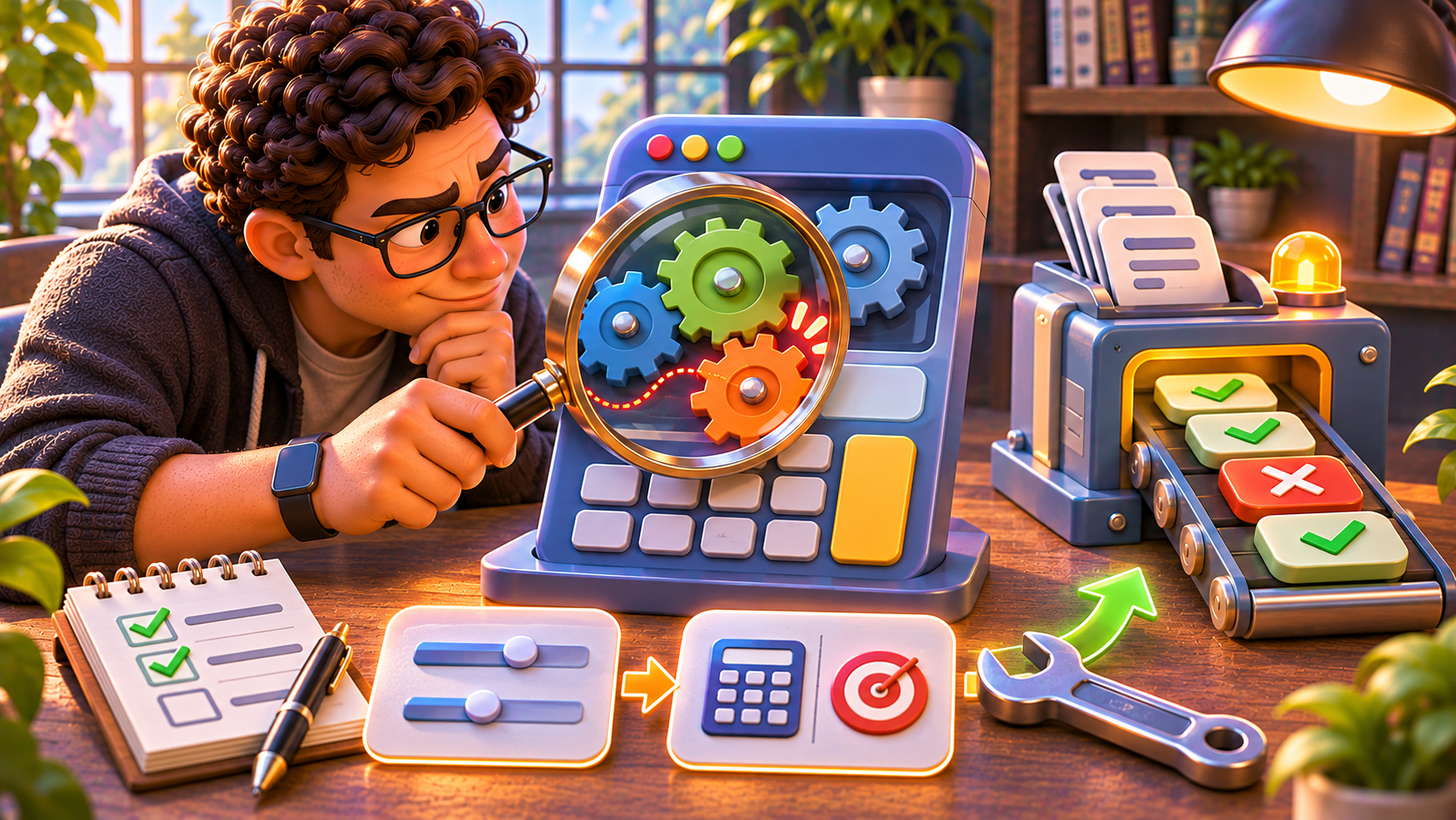
The calculator opens, looks polished and returns R$ 430 for the sample. You change five hours to four, but the total remains the same. A screen without error messages can still be wrong.
“Fix the app” gives AI little information and invites unrelated edits. A useful fix begins with evidence.
In brief: record input, steps, observed output and expected output. Change one hypothesis at a time, then rerun previous tests to catch regressions. As consequences increase, independent technical review becomes necessary.
Four distinct kinds of failure
Visible failure: the page shows an error or stops.
Silent error: a result is displayed, but incorrect — for example, bad rounding.
Regression: a change breaks something that previously worked, such as a design edit altering calculation behavior.
Authorization flaw: someone can see data they shouldn’t. Testing a single account will miss many such problems.
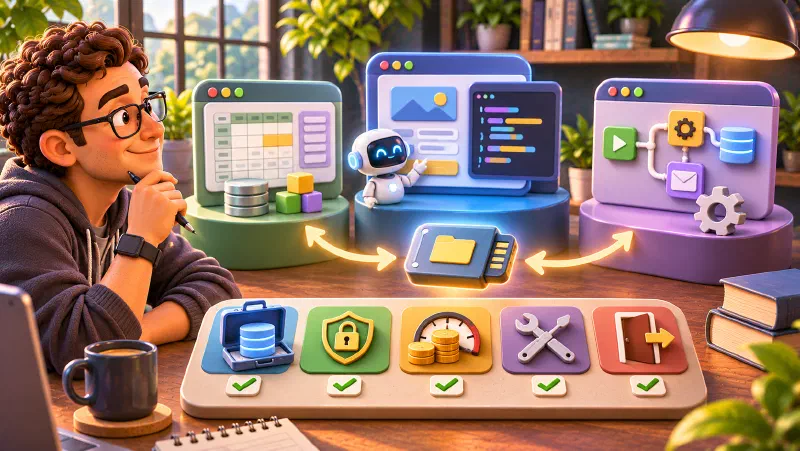
A visual checklist cannot cover all of them.
Write a bug someone else can reproduce
| Field | Fictional example |
|---|
| Goal | Update subtotal when hours change |
| Steps | Calculate → change hours 5 to 4 → calculate |
| Input | 4 × R$ 80 + R$ 30 |
| Expected | R$ 350 |
| Observed | R$ 430 |
| Context | Date, browser, app version |
A reviewer can follow that report without seeing your computer.
Negative cases matter
It’s easy to test only 5 × 80 + 30. Add empty hours, negative numbers, decimal commas, excess precision and editing after a result appears.
The reference includes Node.js tests. In a local clone with Node available, run:
node --test tests/trilhas/no-code-vibe-quote.test.cjs
Observe and record the output. A test file is not evidence it was executed, and this suite doesn’t replace browser, keyboard or accessibility testing.
A better correction request
Changing hours from 5 to 4 while keeping R$ 80/hour and R$ 30 expenses still displays R$ 430, but the expected result is R$ 350. Investigate the cause and change only what is necessary. Show changed files and how to verify the fix. Add no features.
After the correction, rerun every relevant test case, not just the failing one.
If AI edits unexpected files, ask why. Even nonprogrammers can examine file names, dependencies and requested permissions.
What not to delegate blindly
OWASP warns about agents weakening their own tests. A green suite can be misleading if its checks were removed.
Once customer data, API secrets, billing or live operations enter the picture, stronger independent review and proportional security testing are essential.
Workshop: record proof of correction
Document the previous behavior, the actual edit, evidence the failure is gone and regression tests performed.
If you cannot demonstrate it, mark the status not verified. That is more useful than a polished screenshot declaring success.
Next, investigate why a working-looking app may be unsafe.
References: OWASP — Secure Coding with AI and MDN — Testing.