AI can make a full video without generating every frame: meet Explainroo
Explainroo combines coding agents, JavaScript scenes, Kokoro speech and Whisper timing to make explainer videos. Learn how it works and what solo creators need.
In brief · TL;DR:Explainroo pairs a coding agent with a script, JavaScript scenes, local Kokoro narration, Whisper word timing and a renderer. Rather than generating every video frame with an image model, it can build an explainer from editable drawings, text and recordings. Brazilian Portuguese is documented, but agents, setup and human review are still part of the job.
Advertisement
01 — The discovery
What changed, who it is for and why it matters.
You need to explain a product or process. A video could show the problem, introduce a diagram and let a voice guide the viewer through each step. The challenge is not simply recording audio. Someone must write a script, place the graphics, time the movements and export a clear file.
Explainroo approaches that challenge differently from many generative-video tools. A coding agent writes production instructions, while a local engine renders the explanation. The workflow can use text, charts, icons, movement and recordings instead of asking a model to invent every frame.
That changes how the result can be edited. A creator may alter a sentence, reposition a card or replace an inaccurate screen recording within a structured project. It does not remove the need to check what the audience will actually see.
One file speaks; another draws
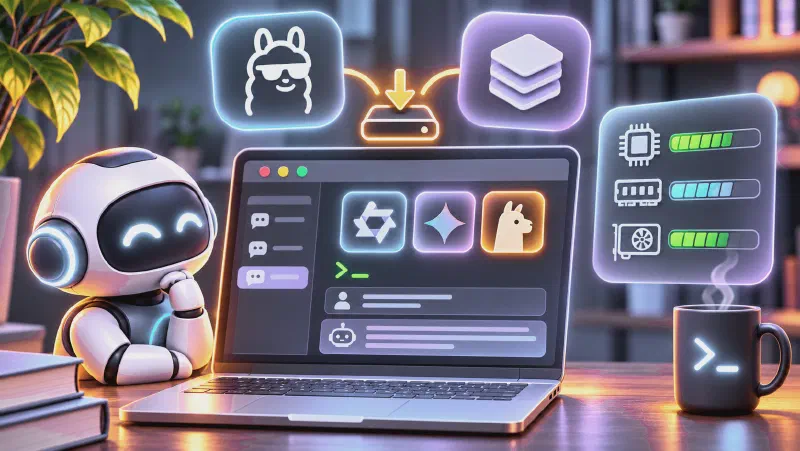
As the repository documentation explains, an agent prepares script.md for narration and scenes.js for the JavaScript drawings. The local Kokoro speech model can narrate in multiple languages, including Brazilian Portuguese, without a voice API key. Whisper aligns the narration with individual words. A browser renders the scenes, and FFmpeg helps assemble the video.
This is not the same architecture as a video-generation model that synthesises successive images. A programmed scene can contain labels, charts and ordered steps, which may be useful for explanatory material. Whether it looks better or takes less time than an editor is an empirical question, not something the README proves.
Creators may also include real screen recordings or their own voice. External footage, paid voices and optional services bring their own rights and cost considerations.
What actually changed in November 2026
Explainroo did not appear from nowhere in November; its release history already extends into October. The recent development is the move from narrated graphics toward demos using recordings of real applications.
The official release history and project README describe version 0.5 on November 9 simplifying use through npx, 0.6 on November 10 adding application recording and speech-based editing, and 0.6.1 on November 18 introducing a Blotato publishing integration. The maintainer’s November 21 notes also identify a 0.6.2 Linux installation fix following problems downloading a voice runtime.
These are documented product changes, not evidence that every deployment is trouble-free or that optional publishing services are included at no cost.
Recording a real application is especially relevant to someone selling software. A demo can combine genuine interface footage with narration and visual guidance instead of presenting a fabricated screenshot.
Where a solo business might use it
An independent teacher could animate a difficult concept. A consultant could describe a service process. A product founder could show a workflow in an app while explaining why each step matters.
These are possible use cases, not measured commercial outcomes. A polished video does not establish that people understand the offer, want the product or will pay. That still depends on message, evidence and distribution.
One intriguing benefit of programmatic scenes is that some corrections can happen in the source project, instead of restarting a generation workflow. That does not mean changes are instantaneous: the video still needs checking and rendering.
The cost is more than rendering
Explainroo is MIT licensed and documents local voice and rendering components. Yet the coding agent writing the project may require a subscription or paid tokens. Optional video, voice or publishing services may cost extra.
The installation instructions call for Node.js 20.11+, Chrome or Chromium, and FFmpeg. Initial voice and timing models can require substantial downloads. Local Portuguese narration also calls for espeak-ng or equivalent preparation.
For a founder making a single video, a familiar visual editor and a short screen recording may be easier. Explainroo becomes more interesting when explanations are frequent, need structured visual changes or already fit into an agent-assisted workflow.
The Solo verdict
Our straight take: is it worth your time?
Worth exploring for recurring tutorials, product walkthroughs and educational content, particularly if a coding agent is already part of your workflow. Less compelling for a one-off clip or when avoiding technical setup matters more than having programmable scenes.
Start with the message, not the software: write down the one question the viewer should be able to answer after watching.
Advertisement
02 — The workbench
Hands-on: the step-by-step to put it to work.
Design one honest 30-second explainer
Use a fictional product or an example you own. Plan three scenes: the problem, the mechanism and the observable result. Draft a short Portuguese or English narration and list the on-screen elements that belong to each sentence.
First make a simple reference using slides or a screen recording with your own voice. This provides a practical baseline for effort and clarity.
For the agent-assisted route, follow the official instructions: they guide a coding agent to read npx --yes explainroo docs before generating the project. Check the local dependencies and the relevant language setup. Use no client records, private credentials or unlicensed media.
Review the output for factual accuracy, correct word timing, readable mobile text and fidelity to real interfaces. Track preparation time, revisions, agent usage and any external fees.
The decisive question is not whether the software can export MP4. It is whether this workflow explains your product or knowledge clearly enough to justify its total effort. That still needs a real test.