Reference guide — created November 22, 2026. OCR systems, versions and licensing change. Indra and PaddleOCR are examples researched at this date; verify specific weights and documentation before commercial integration.
TL;DR: OCR recognises characters in images. Turning a PDF into usable data may additionally require detecting text regions, reconstructing reading order, parsing tables and validating fields. PaddleOCR and Indra offer different implementation paths. Extraction is not validation: an incorrect number may still look perfectly structured.
01 — The discovery: why a PDF can be difficult
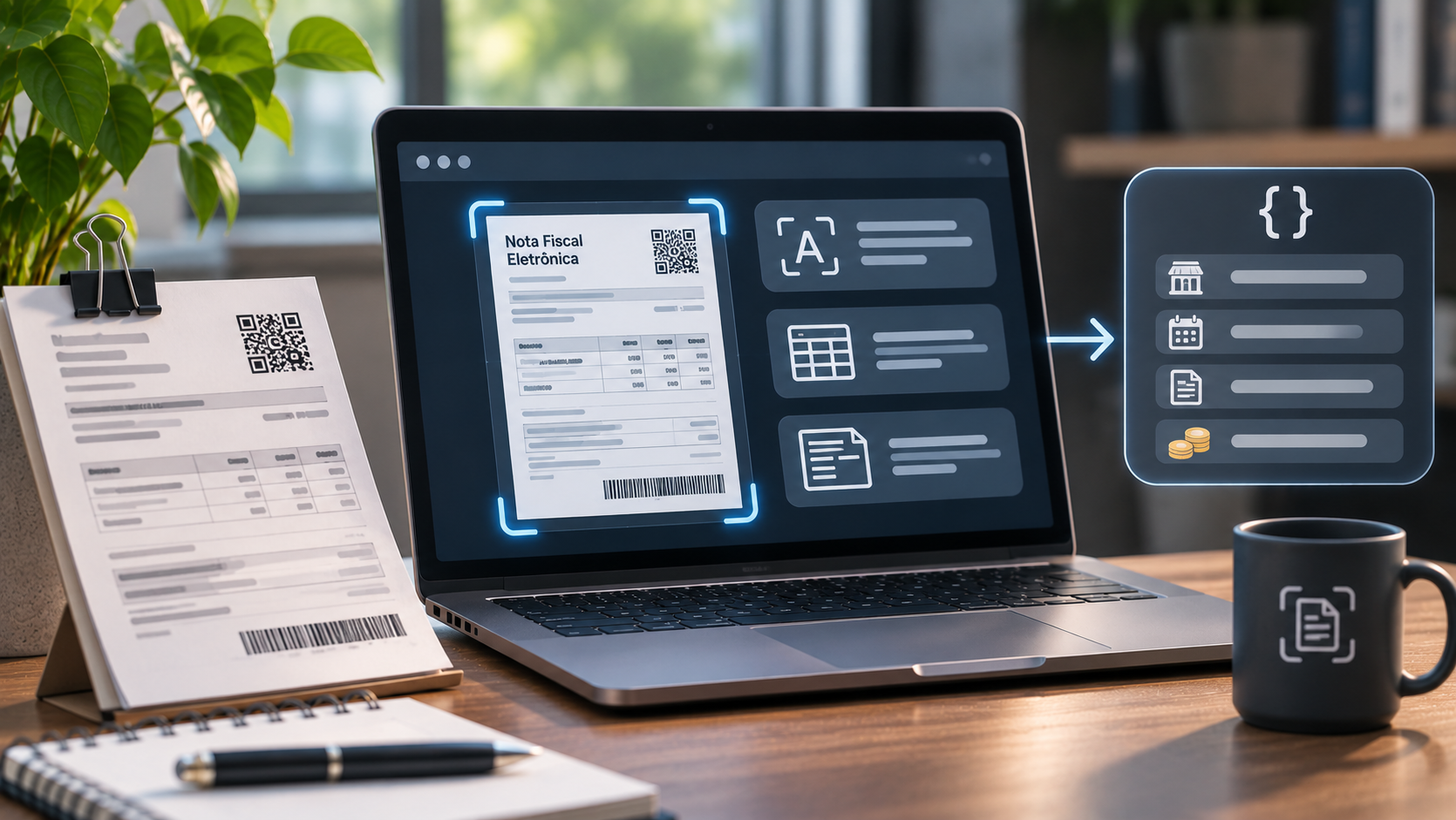
A solo operator receives a photograph of an invoice, manually copies its date, total and supplier into a spreadsheet, and repeats the process. It sounds like basic text recognition. Yet the image may be skewed, poorly lit, stamped or divided into complex columns.
OCR recognises characters; interpreting a document’s structure is another step.
Distinguish three inputs:
- Selectable-text PDF: may only require text extraction, not OCR.
- Scanned PDF or photo: requires locating and recognising text.
- Complex structured document: may require layout parsing, table recognition and subsequent field extraction.
A pipeline can combine preprocessing, text detection, recognition, reading order, field extraction and validation. Some models package multiple stages, but you still need to assess errors at each stage.
Models and systems to investigate
| Reference | Why explore it | What to check |
|---|
| PaddleOCR | Text detection, recognition and document analysis ecosystem | Module and version requirements |
| Indra OCR | Compact CPU/ONNX pipeline with Markdown and JSON output | Separate code and weight licences |
| Whisper | Not OCR: speech recognition | Avoid confusing audio with document input |
PaddleOCR has multiple modules and variants; it is not one universal model file. Indra describes CPU execution and weights under modified OpenRAIL-M terms, distinct from the code licence.
What does an OCR benchmark measure?
CER (character error rate) compares output characters against reference text. WER compares words. Detection precision and recall describe how successfully text regions are identified. Structured extraction also demands field accuracy, correct reading order and correct label-value association.
Suppose a total of 1,240.00 is read as 1,240.80. Most text may be right, yet the financial error matters. Tables can also shift a number into the wrong column. A strong average score does not guarantee safe business data.
Language and input quality matter: a model that works on clean scans may struggle with mobile-phone photographs. Include shadows, poor contrast, unfamiliar vendors and different layouts in evaluation.
From demo to useful workflow
Potential applications include searchable archives, draft field extraction and reducing repetitive typing. But OCR does not replace accounting, tax or legal verification. Sending outputs to production systems needs validation, traceability and suitable authorization.
Documents may contain personal or commercially sensitive information. Use owned or synthetic test material; examine where processing occurs and whether any data is transmitted externally.
02 — The Solo verdict
Our straight take: is it worth your time?
Use OCR when you have images without searchable text and repeated manual extraction. When XML, CSV or embedded PDF text is available, prefer those structured sources where appropriate.
Compare accuracy on important fields, language, per-document cost, model licence and review effort, not only headline benchmark results.
03 — The workbench: extract and review five documents
Requirements: five owned or synthetic inputs, compatible Python, a virtual environment and room for model files. Start without client data. Read Indra’s docs or PaddleOCR’s quickstart before installation.
A documented Indra route includes:
python -m pip install indra-ocr
indra-ocr scan.png --format json
Replace scan.png with a real practice image. Initial setup may download weights. Review the JSON output, checking every name, date and amount against the original; output shape can change between releases.
For PaddleOCR, first install the appropriate execution backend. Its usage documentation includes CLI usage such as paddleocr ocr -i file.png, with options depending on version. Avoid mixing instructions across releases.
Prepare a small table with document, expected fields, extracted fields, errors and review time. Keep human approval for critical values before connecting to a spreadsheet or business system.
Next: return to Hugging Face model cards and benchmarks to compare another candidate against the same test documents.