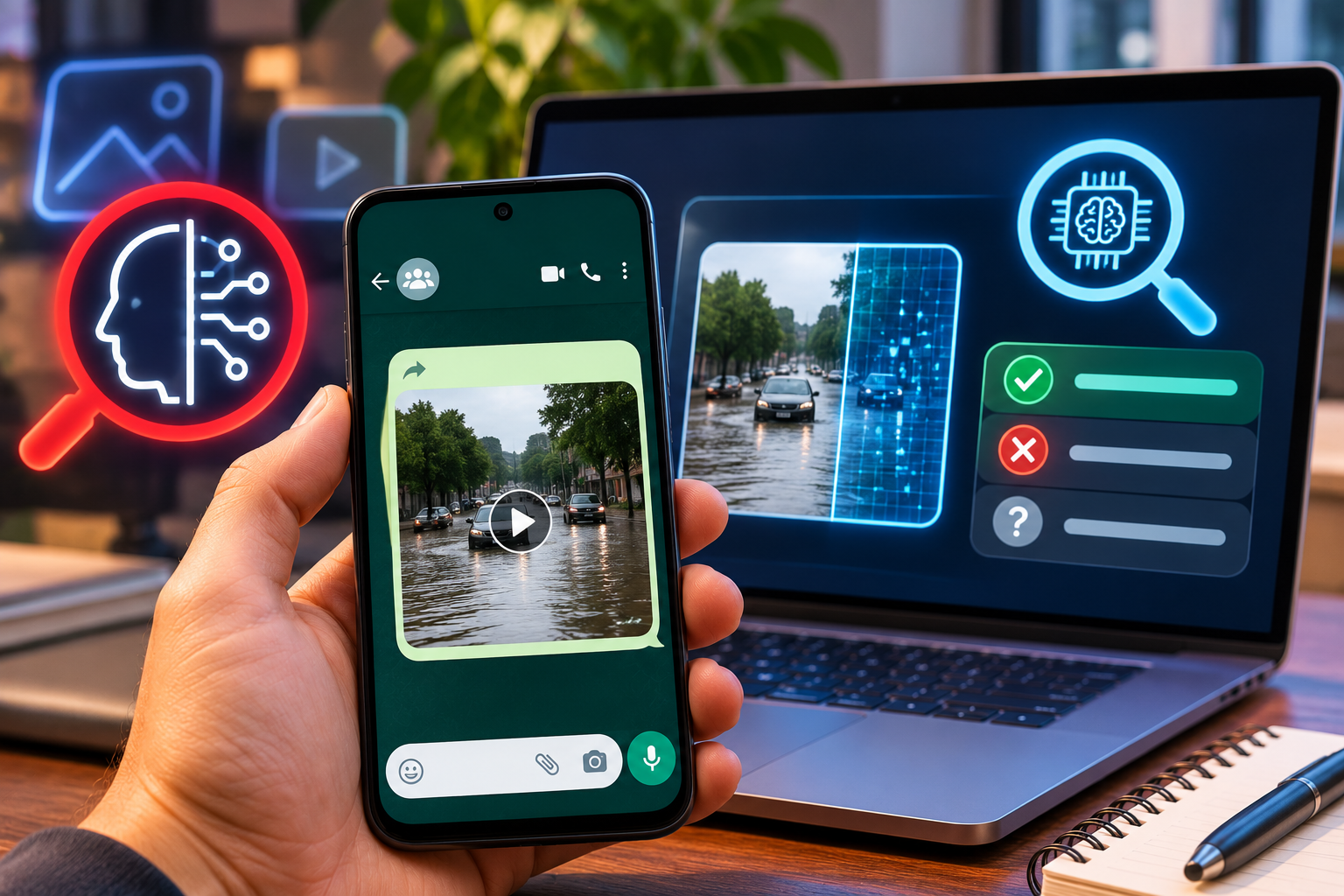
A photograph arrives in your family chat claiming to show a recent incident in town. The next video appears to capture a public official making a statement. You know the person who forwarded it, but not who created the file. Before passing it on, ask a different question from “does this look real?”: where did it come from?
TL;DR: Google’s SynthID Detector looks for digital watermarks embedded in media by compatible AI systems. Gemini offers another verification option. Neither can establish the truth of every image, video or audio recording. Combine media analysis with a search for the original and independent confirmation.
01 — The discovery
What changed, who it is for and why it matters.
A mark that isn’t visible in the photograph
Google announced global public access to SynthID Detector on October 7, 2026. Its Brazilian announcement describes an English-language service for checking media created by compatible technologies, including Google tools and partners such as OpenAI, NVIDIA and Kakao.
The system searches for signals embedded during media generation or editing. It does not rely solely on spotting malformed hands, implausible shadows or other visual flaws. OpenAI also describes its adoption of SynthID as part of its provenance work, starting with images. That does not mean retroactive coverage of all files or models.
There is an important distinction between the standalone detector and Gemini. Google’s Gemini documentation limits SynthID recognition there to content made with Google’s own AI tools. Gemini can also show provenance information when a file contains compatible Content Credentials.
What does a result actually mean?
| Result | What to do |
|---|
| Compatible mark found | Consider AI involvement in creation or editing; investigate the source. |
| No mark found | Do not treat the file as authentic based on that result alone. |
| Inconclusive result | Look for the original publication and other evidence. |
A genuine photo may have been cropped or shared with a false caption. An AI illustration may accompany an accurate news report. The tool helps investigate the media, not establish whether an event occurred.
02 — The Solo verdict
Our straight take: is it worth your time?
This matters to anyone running social accounts, selling products or promoting events: before reusing media received from others, establish its origin and obtain permission where necessary.
The public detector was announced without a separate subscription requirement. Gemini requires sign-in and has usage quotas. Check availability and terms for your account; you do not need to purchase a verification service to start investigating a file’s origin.
03 — The workbench
Hands-on: the step-by-step to put it to work.
How to check a file
- Open the official SynthID Detector in your browser rather than following an unknown link from a message.
- Use a public file you are authorised to upload. Avoid intimate images, identity documents, private conversations and customer information.
- Review whether the result indicates a recognised watermark or remains inconclusive. The interface was announced in English.
- Alternatively, sign into Gemini, attach a compatible file and ask about provenance or AI editing. The Gemini help centre explains the procedure, account requirements and limitations.
Do not treat an assistant’s written response alone as proof. Google’s help centre distinguishes SynthID watermarks from provenance information recorded in Content Credentials. Repeated file modifications can impair detection.
What to check before forwarding
In a fictional exercise, imagine someone shares a photo of flooding and claims it happened near your home today. Find the original publication, search for matching images and compare dates, locations and information from credible news outlets or relevant authorities. If you cannot verify the claim, do not forward it as fact.
Visual search is another useful technique, distinct from watermark checking. Our guide to using Google Lens demonstrates a practical image-search workflow.
If the content requests money, personal information or an urgent payment, verify the request through an independently known channel. Do not submit sensitive documents or media to unknown tools in an attempt to prove they are real.
Our reporting consulted public documentation on November 26, 2026. We did not upload any file or run a detection test, and the detector’s dynamic interface could not be inspected fully. This is an evaluation workflow, not a measured detection rate.