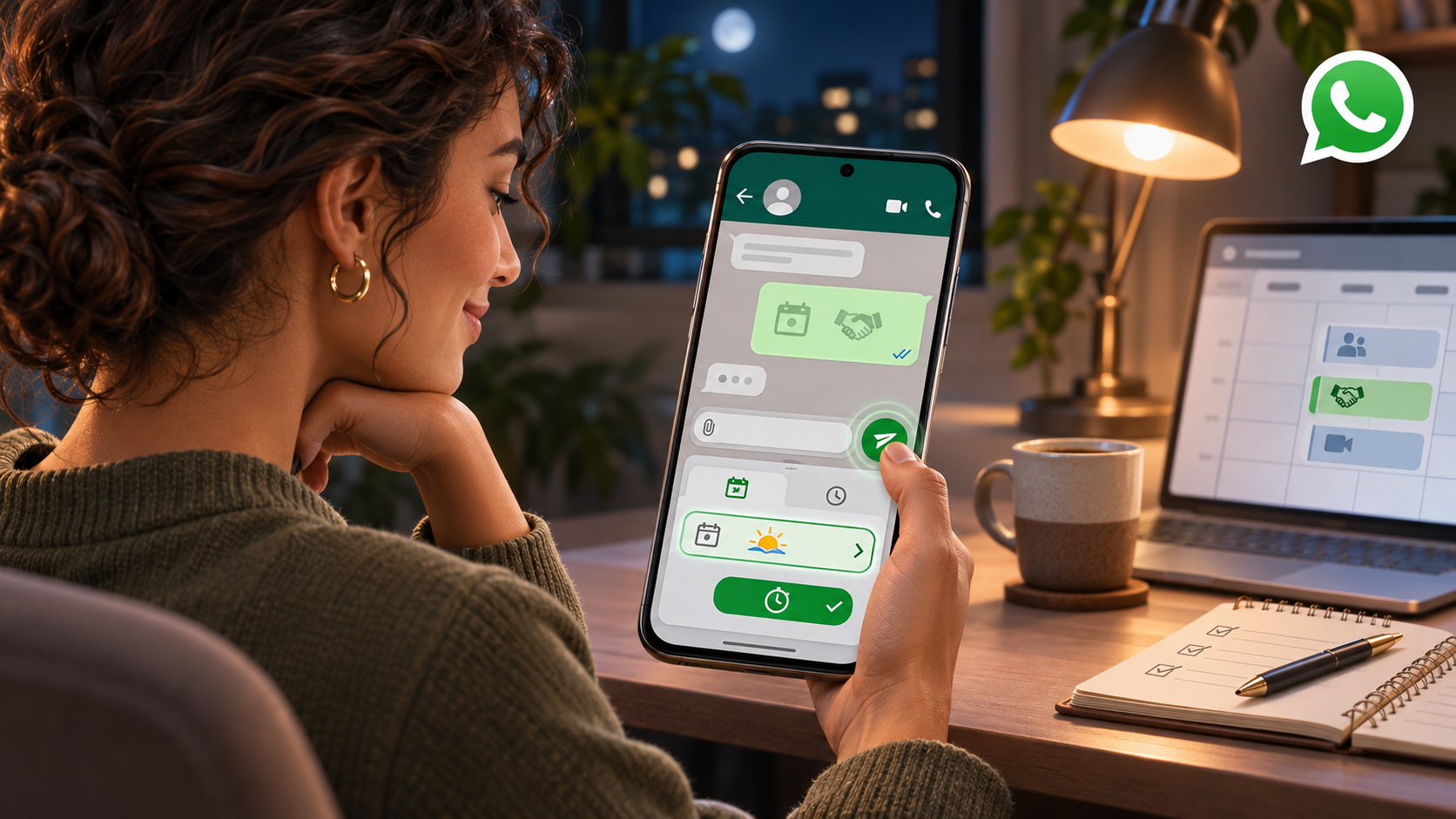
You remember at eleven at night that you need to confirm tomorrow’s appointment with a customer. Rather than interrupt their evening or rely on your memory the next morning, you can prepare the message now and let WhatsApp handle delivery later.
TL;DR: On November 25, 2026, WhatsApp announced scheduled messages for individual and group chats. Messages can be scheduled between 10 minutes and 14 days ahead. The feature is rolling out gradually; here’s how to check availability and try it without installing another scheduling app.
01 — The discovery
What changed, who it is for and why it matters.
What changed in WhatsApp?
The official WhatsApp announcement describes scheduling for text, photos and videos. The feature is being rolled out worldwide over the coming weeks. Brazil is included in the announced global scope, but access on any particular account is not guaranteed today.
The change is that you can choose a delivery time within the conversation rather than rely on a separate scheduling tool. The company says the scheduled delivery works even when your phone is switched off. Personal scheduled messages retain end-to-end encryption, according to the Brazilian announcement from Meta.
This is different from WhatsApp Business greeting and away messages. The announcement concerns scheduling a particular message in a conversation. It does not introduce a complete marketing campaign manager, recurring messages or an AI customer-service system.
Why does it matter to people working independently?
Imagine a hairdresser, a private tutor or a repair technician. Each could spend a few minutes at the end of the day preparing reminders for tomorrow’s appointments.
Here is a fictional example: a service provider agrees to remind a customer at 8 a.m. about an appointment at 10 a.m. She schedules only the agreed message. If the appointment changes, she must review the pending message so that it does not communicate outdated information.
Personal uses include birthdays, family gatherings and shared tasks. The value lies in taking pressure off your memory, not treating your contacts as an advertising list.
02 — The Solo verdict
Our straight take: is it worth your time?
For individual conversations, this feature may reduce repetitive work without another application. The announcement does not specify an additional charge for native message scheduling. Internet access and other commercial services are separate.
Do not use scheduled messages as your only appointment record: delivering a reminder does not confirm attendance. A calendar or sales record remains useful as your customer base grows. Our guide to organising sales information with AI covers a different approach to keeping track of business information.
03 — The workbench
Hands-on: the step-by-step to put it to work.
How to schedule your first message
Once the feature appears, follow the documented workflow:
- Update WhatsApp through your phone’s official app store.
- Open a conversation with someone who agreed to receive a test message.
- Compose a simple message containing no private information.
- Press and hold the send button instead of tapping it briefly.
- If scheduling is offered, select an allowed time and confirm.
- Review the scheduled-message list. After the chosen time, ask the recipient to confirm delivery.
If you change your mind, review the pending messages and remove the one you no longer want to send. Try a second test and cancel it before the scheduled time.
What if the option is missing?
The rollout is not instantaneous. Keep your app updated and wait for your account to receive the feature. Do not share passwords or verification codes with sites claiming to unlock it early.
For work, agree on useful reminders with your customers, verify appointment dates and respect requests not to receive communications. A single helpful notice is worth more than repeated unsolicited messages.
The reporting checked the public announcements and instructions on November 26. We did not send a scheduled message ourselves, so these steps describe the documented procedure rather than confirmed availability on a Brazilian account.